


Creating art digitally has become a popular way for artists to express their creativity. With the advent of digital art, many aspiring artists are now able to learn the craft without having to spend countless hours in an art studio. But how does one learn digital art? In this article, we will explore the steps necessary to get started with digital art and discover some of the tools available that can help you master this exciting medium. So if you’re ready to take your artwork from traditional to digital, then let’s get started.
Advantages of Learning Digital Art
Digital art has a lot of advantages for artists, both professional and amateur. It is a great way to learn the fundamentals of art without having to spend thousands of dollars on traditional media. With digital art, you can easily create works of art with a fraction of the cost and time associated with other mediums. Additionally, digital software programs such as Adobe Photoshop, Adobe Illustrator, Paint Tool SAI, and many others offer advanced tools that make creating artwork easier and more efficient than ever before.
Furthermore, digital paintings look much more realistic than traditional ones due to the use of special effects such as lighting and shading. And lastly, learning digital art also makes it easy for artists to collaborate with others on projects or even work with clients remotely from any part of the world.
What You Need to Get Started
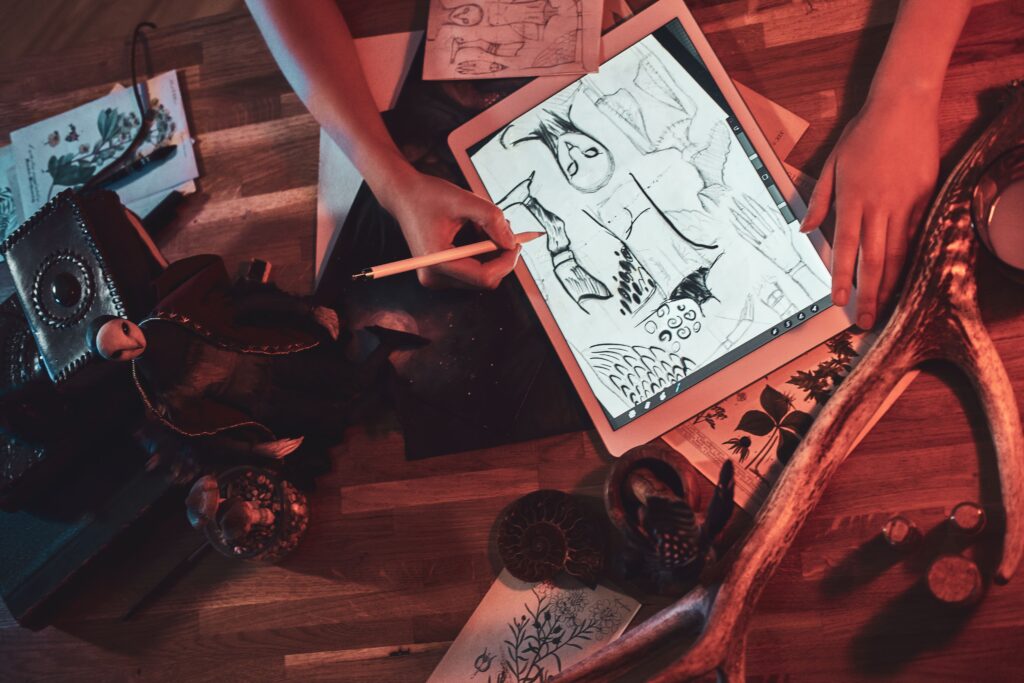
For those interested in learning how to create digital art, there are a few basic tools you’ll need to get started. A graphic tablet is essential for most digital art programs and will help give your artwork a more natural look. Additionally, it’s important to use industry-standard software such as Adobe Photoshop, Adobe Illustrator, and Paint Tool SAI as they contain the best features and tools for creating digital artwork. Other items you might consider include a good quality stylus pen and a laptop or desktop computer with enough RAM and storage space. Also, having the right supplies is important for creating quality digital art, including basic tools like paper and pencils as well as more advanced tools like drawing tablets and software. With these basics in hand, you’ll be ready to start creating beautiful pieces of digital art.
Computer and Software
For those interested in creating digital art, a computer, and software are essential tools. A laptop or desktop with enough RAM and storage space is important, as digital art programs can be quite resource-intensive. Additionally, it’s important to use industry-standard software such as Adobe Photoshop, Adobe Illustrator, and Paint Tool SAI as they contain the best features and tools for creating digital artwork.
For beginners looking to learn how to create digital artwork, there are some free programs available online featuring basic drawing tools such as Krita or GIMP. For those looking for more advanced features, there are also more expensive paid versions of many of these programs that provide access to additional features.
Drawing Tablet or Graphics Tablet
For digital artists, a drawing tablet or graphics tablet is an essential tool. Not only does it provide more accurate control when drawing, but it allows for more natural interaction between the artist and their work. A graphics tablet consists of two parts: the stylus and the surface. The stylus looks like a pen but with pressure-sensitive buttons that can be programmed to execute specific commands. The surface is where you draw and interact with the stylus to create a digital version of your artwork. Graphics tablets are available in various sizes, from larger ones intended for professionals to smaller ones suitable for beginners. For those just starting out, there are some entry-level models that come with basic features such as pressure sensitivity and customizable buttons at an affordable price point.
Other Supplies
When it comes to digital art, it is important to have the right supplies. From basic tools like paper, pencils, and erasers to more advanced ones like drawing tablets and software, these materials are essential for creating quality artwork. For traditional artwork, a set of pencils and paper is usually enough to get started. However, if you want to take your drawings further with digital tools, having the right supplies can make all the difference. In addition to a graphics tablet, you may need additional items such as drawing paper and tracing paper for sketching concepts. If you plan on using software such as Adobe Photoshop or Illustrator, then having a good monitor and computer setup will help ensure that your work looks sharp and vibrant.

Learning Basics of Drawing and Painting
Learning the basics of drawing and painting is essential for anyone who wants to become a skilled artist. One of the key aspects of this is learning the anatomy and proportions of figures, as this allows artists to accurately depict the human form in their work. Also, understanding different types of brushes and their uses is crucial for achieving different effects and textures in paintings. Additionally, artists must learn about color theory, which involves understanding how colors interact with each other and how to use them effectively in their work. Understanding perspective is also crucial, as this allows artists to create the illusion of depth and space in their compositions. By mastering these foundational skills, artists can build a strong foundation for their work and develop their own unique style and approach to their art.
Learning Anatomy and Proportions of Figures
Learning to draw and paint figures accurately begins with understanding anatomy and proportions. Before starting any artwork, it is important to study the structure of the human body so that you can depict realistic characters in your art. To get started, try finding reference photos of people in different poses and analyze the shapes and proportions of their bodies. Then, practice drawing these figures on paper or digitally using basic shapes such as cylinders, cubes, or circles. As you become more familiar with anatomy, you can also explore topics like gesture drawing and figure movement to add life and expression to your artwork.
Different Types of Brushes and Their Uses
One of the most important tools in digital art is brushes. Brushes allow you to create various effects and textures with ease, making them an essential part of any artist’s toolkit. There are a variety of brushes available, each designed for a different purpose. For example, airbrush brushes are useful for creating smooth gradients while pencil brushes can be used to create detailed line work. Other popular brushes include ink, smudge, and chalk brushes. It is important to become familiar with the different types of brushes and their uses in order to make the most out of your artwork. Experimenting with various brush settings can also help you better understand how each one works and what type of effect it produces.
Color Theory
Color theory is an essential element of digital art. It involves the use of colors, hues, and shades to create appealing visuals that evoke emotion in viewers. A good understanding of color theory will help beginner artists create more expressive and vibrant works of art. To begin, it is important to understand the basics such as the color wheel, primary colors, and complementary colors. Additionally, different values and intensities can be used to add depth and texture to a piece. Color temperature – whether a color is warm or cool – also has an effect on the overall tone of a painting. Professional artists should also become familiar with color harmonies such as monochromatic, analogous, complementary, split-complementary, triadic, and tetradic in order to make their work stand out from the crowd.
Perspective
Perspective is a powerful tool in digital art that can add depth, realism, and atmosphere to your work. It involves the use of lines, shapes, and angles to create an illusion of depth on a two-dimensional surface. There are three main types of perspective – one-point, two-point, and three-point perspective – each with its own unique set of rules that must be followed in order for the illusion to be successful. One-point perspective is the simplest form as it only uses one vanishing point from which all other elements radiate. Two-point perspective utilizes two vanishing points with lines converging at their center. Three-point perspective, on the other hand, employs three vanishing points and is most commonly used in architectural drawings or complex compositions where more depth is required.

Understanding Digital Art Terminology
Understanding digital art terminology is essential for any artist looking to get started in the world of digital art. Knowing key terminology will help you better understand concepts and techniques used by professional artists, as well as the industry standard for digital artwork. Raster images, vector images, pixel art, and vector art are types of digital artwork. Raster images are made up of pixels and are good for detailed artwork, but can appear pixelated when scaled up. Vector images are made up of mathematical equations and points, allowing them to be scaled infinitely without losing quality, making them ideal for logos and designs. Furthermore, pixel art is made up of individual pixels and is good for detailed artwork, while vector art is made up of mathematical equations and can be scaled infinitely without losing quality. Understanding these differences is important for creating professional-looking digital art.
Raster vs Vector Images
Raster and vector images are two of the most common types of digital artwork used today. Raster images, also known as bitmap images, are composed of tiny squares or pixels that are combined together to form an overall picture. They are great for creating detailed artwork such as photographs and illustrations with a lot of color or texture. However, raster images can appear pixelated if scaled up too much, so they’re not ideal for creating larger prints or logos. Vector images, on the other hand, are made up of mathematical equations and points which allow them to be scaled infinitely without losing any quality. This makes them perfect for logos and other designs that need to remain sharp no matter how large they become.
Pixel Art vs Vector Art
Pixel art and vector art are two popular forms of digital artwork. Pixel art is composed of individual pixels, or small squares, which create an image when combined together. It’s a great choice for creating detailed artwork with lots of color and texture, such as illustrations and photographs. Vector art, on the other hand, is made up of mathematical equations and points which allow it to be scaled infinitely without losing any quality. This makes it perfect for logos and designs that need to stay sharp no matter how large they become. Understanding the differences between these two types of art is essential for any digital artist looking to create professional-looking artwork.
Learning the Basics of Digital Art Software
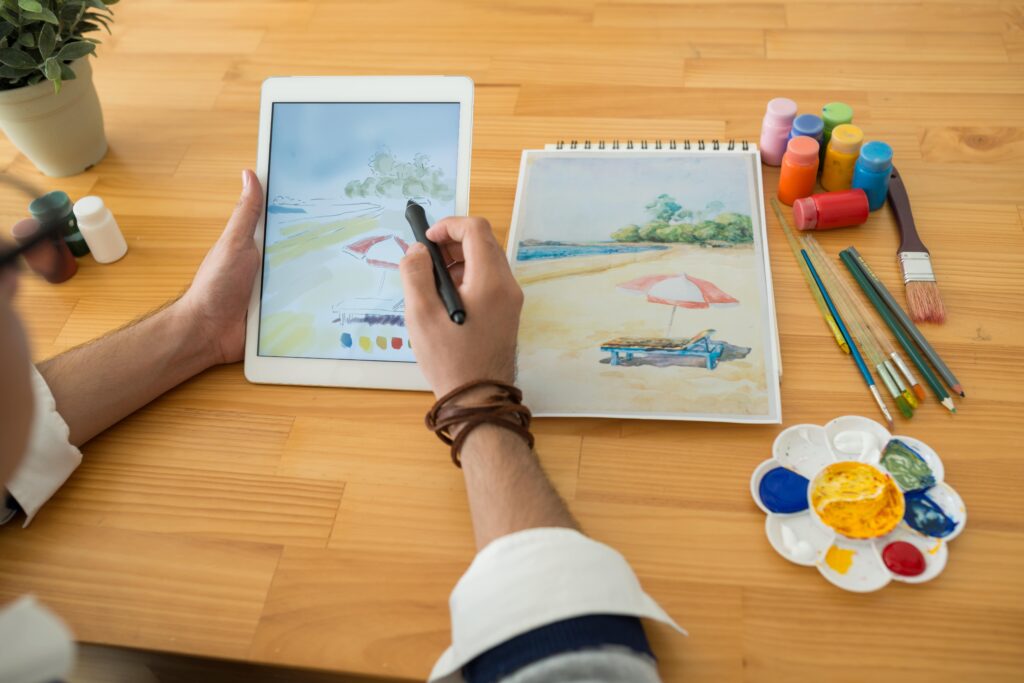
Learning digital art software can seem daunting at first, but with the right resources and guidance, it’s actually quite simple. To start off, familiarize yourself with the basic tools and functions of the program you’re using such as Adobe Photoshop, Corel Painter, and Autodesk Sketchbook Pro. Most programs will have tutorials available to help get you started. Once you understand the basics, practice creating simple shapes and lines to get comfortable with the tools. As your skills grow, experiment with different techniques such as blending colors and layering elements to create interesting pieces of art. Finally, make sure to keep up with industry standards by researching professional artists and their workflows. This will help ensure that you’re producing artwork that looks professional and is up-to-date with current trends in digital art.
Adobe Photoshop
Adobe Photoshop is the leading digital art program used by professionals in the industry today. It offers an extensive range of tools and features that allow users to create stunning pieces of artwork. From simple shapes and lines to complex blending and layering, Photoshop can be used to create anything imaginable. As a beginner artist, it’s important to get familiarized with the basic tools first. Once you have a good understanding of how things work, start experimenting with different techniques such as color blending or masking. The sky’s the limit when it comes to creating digital artwork in Photoshop, so don’t be afraid to explore your creativity.
Corel Painter
Corel Painter is a digital painting software program designed for professionals, as well as beginner artists. It offers a wide range of tools and features that can be used to create stunning artwork. From simple drawing and sketching tools to more advanced brush technology, Painter provides the user with an extensive collection of natural media brushes and textures. With the wealth of features available, it’s easy to get overwhelmed at first. However, with dedication and practice, you can quickly learn the fundamentals of digital painting in Painter. Once you have mastered the basics, start to explore different techniques such as blending or masking.
Autodesk Sketchbook Pro
Autodesk Sketchbook Pro is a popular digital art program for professional and amateur creatives alike. It offers an easy-to-use, intuitive interface that allows users to quickly create high-quality drawings and sketches. The software is well-suited for both traditional drawing and painting as well as concept art. It supports layers, blending modes, masking, brushes, and a variety of other features that make it a powerful tool for creating digital artwork. Autodesk Sketchbook Pro also provides tutorials and resources to help users learn the basics of digital drawing and painting.
Developing Your Style
Developing a unique style is an important part of becoming a successful digital artist. As a beginner, it can be difficult to find your own voice and stand out from the crowd. However, with practice and dedication, it is entirely possible to create works of art that are undeniably yours. Start by experimenting with different tools and techniques, as well as various color palettes and brush styles. Pay attention to the elements that you like best in other people’s work, then try to incorporate those same elements into your own projects. Once you’ve found something that truly speaks to you, keep practicing and refining your style until it becomes uniquely yours. With enough effort, you’ll soon find yourself creating beautiful digital artwork that others will recognize as distinctly yours.
Experimenting with Different Mediums and Techniques
With digital art, it is possible to experiment with different mediums and techniques without the expense of traditional art supplies. Digital painting programs offer a variety of brushes, textures, and colors to create stunning visuals. Photographers can learn how to edit their photos using software such as Adobe Photoshop or Lightroom. Graphic designers can use vector-based programs such as Adobe Illustrator or Inkscape for creating logos, icons, and illustrations. Comic artists can use digital drawing tablets for creating dynamic artwork that stands out from the crowd.
Finding Inspiration from Other Artists
Finding inspiration from other artists can be a great way to improve your digital art skills and develop your own style. Start by researching some of the top digital artists in the industry, such as David Belliveau or Alex Ruiz. Examine their artwork, take note of their techniques and color palettes, and think about what makes their work stand out from the rest. You can also look at online galleries, such as DeviantArt or Behance, for inspiration. Here you’ll find an abundance of artwork from all different kinds of digital artists. Take your time to explore what others are creating and think about how you could incorporate some of these ideas into your own work.
Practicing Regularly
Practicing regularly is the key to becoming a successful digital artist. Whether you’re an experienced artist or a beginner, it is essential that you make time to consistently practice your craft. Set aside at least a few hours each week to work on refining your skills and producing new artwork. Experiment with new tools, techniques, and concepts as much as you can. Try to challenge yourself and look for ways to push your artwork to the next level.

Conclusion
For those looking to learn digital art, the options are vast and varied. There is no one-size-fits-all approach, as different methods work better for different people. However, a good starting point is experimenting with different mediums and techniques to find what works best for you. Professional artists can join classes or workshops to get more in-depth knowledge of industry standards and software programs. Beginner artists can take advantage of self-taught courses, tutorials, and resources available online. Regardless of your experience level, digital art provides an exciting way to explore creative possibilities and bring your artwork to life.

